Build a Where? app for web and Pebble users
Create an app that answers 'where' questions. You'll build and deploy a back-end Node.js application on Bluemix that provides a REST API to support client apps. Then you'll build two client apps: one for the web and one for the Pebble smartwatch.
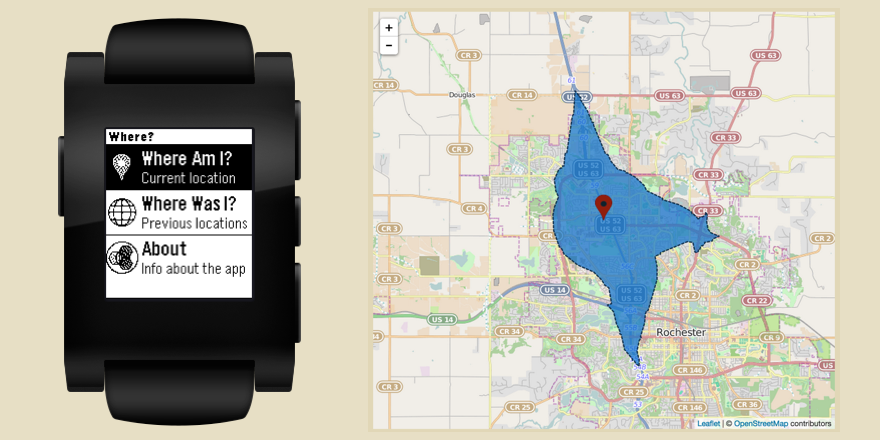

Where am I? Where can I go? Where have I been? In this tutorial, you’ll build a client/server app that answers these and other “where” questions for web users and for wearers of the Pebble smartwatch (Note: Pebble was acquired by Fitbit/Google and is no longer available).
First, you’ll build the back end: a Node.js app that you’ll deploy to IBM® Bluemix. The back end provides a REST API that enables clients to:
- Register a user’s geolocation with the server, to be stored in a Cloudant NoSQL database.
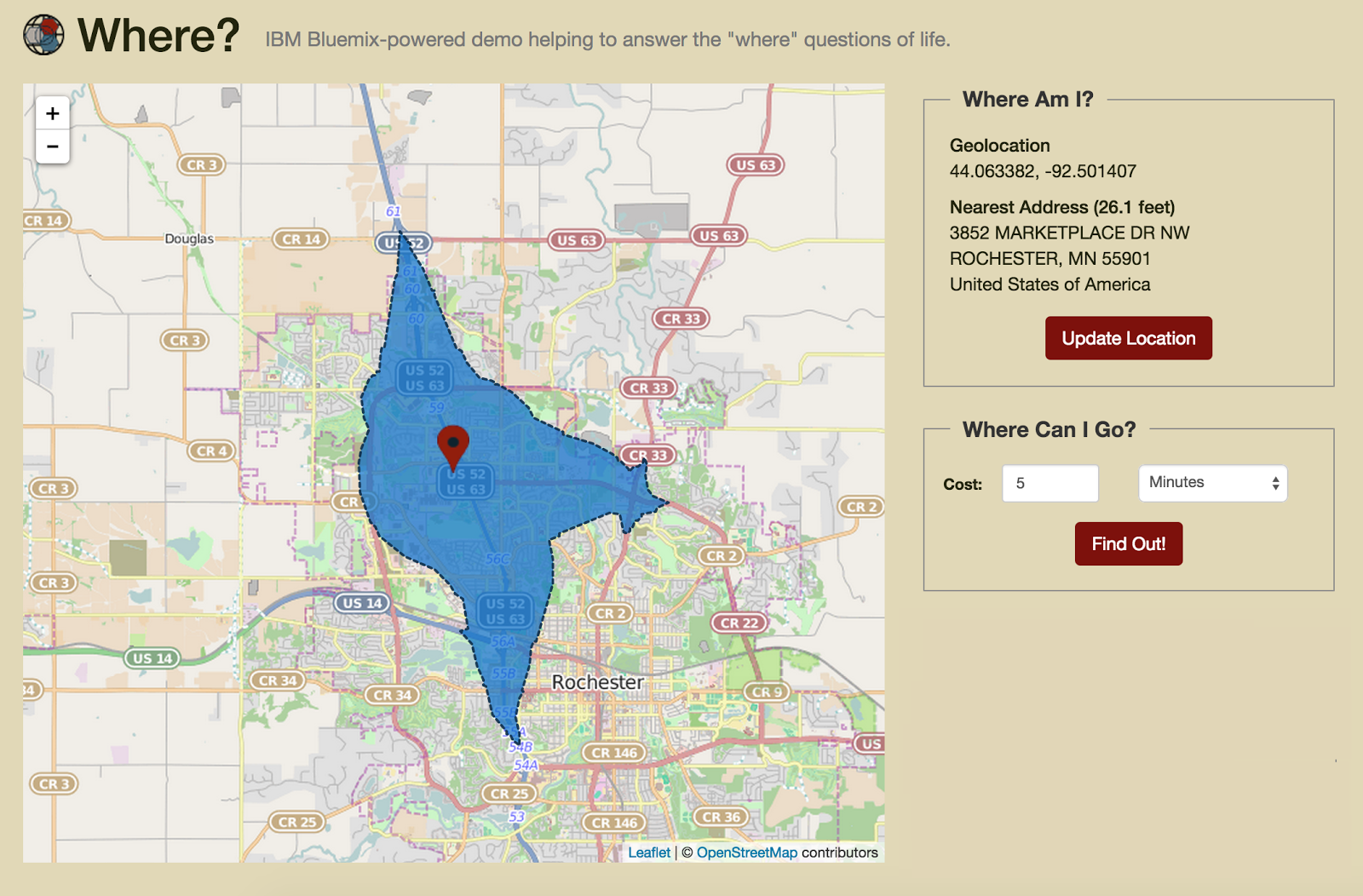
- Get the nearest postal address associated with the location by using the Pitney Bowes Reverse Geocoding service (UPDATE: now part of the APIs from Pitney Bowes service). This service provides a powerful API for looking up postal addresses based on GPS location.
- Retrieve information about where someone could travel from a location, by using the Pitney Bowes Travel Boundary service. This service provides GPS coordinates for a “boundary” around a specified location that can be reached based on driving time or distance.
- Provide worldwide statistics for recent and popular “check-in” locations (using the MapReduce capabilities in Cloudant).
Then, you’ll use this REST API as the basis for building two very different client apps:
- A responsive, single-page web app that is implemented by using AngularJS, Bootstrap, and Leaflet.js and provides extensive, rich content.
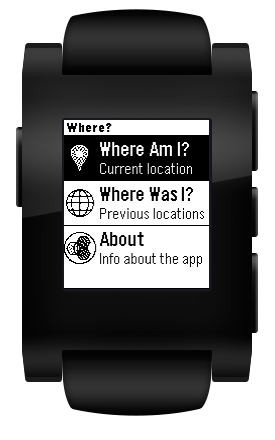
- An app written for Pebble that’s designed to provide useful but more-focused info in the smaller screen of this cool wearable device. You’ll write this client app in JavaScript by using the Pebble.js library and the CloudPebble online IDE (Note: both CloudPebble and getpebble.com are no longer available).
The original IBM developerWorks article and the live demo app are no longer available.